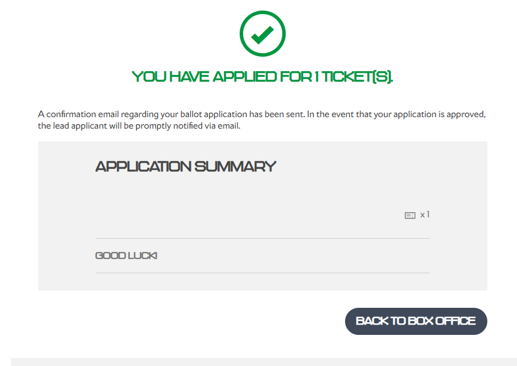
A confirmation email will be sent to the lead member only. You can also check the registration page to confirm your submission.
Step 1:
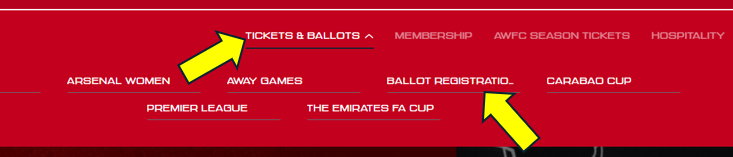
Once logged in, select Tickets & Ballot and then Ballot Registrations
Step 2:
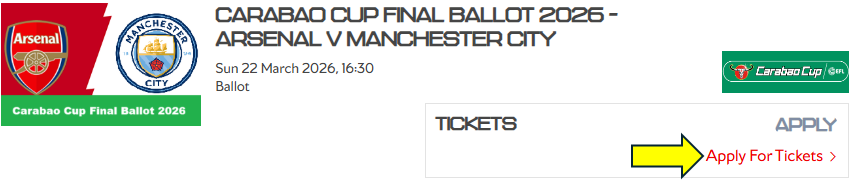
You will then see the option to register for the ballot and then click Apply For Tickets
You will then see a confirmation page confirming that you have successfully registered for the ballot.